
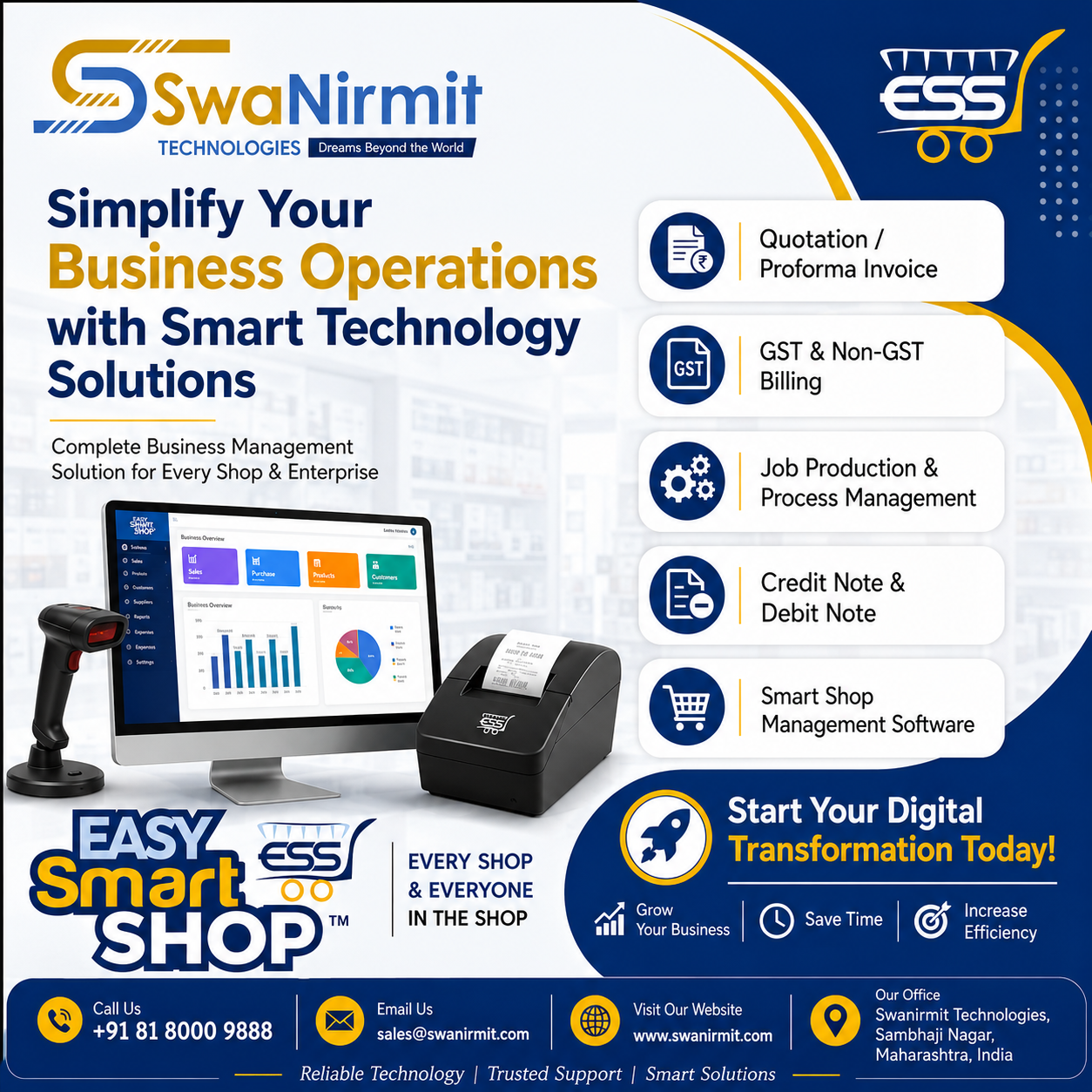

EASY Smart SHOP – Complete Sales Entry & Billing Management Software
EASY Smart SHOP – Complete Sales Entry Process Explained
Managing sales manually can create billing mistakes, payment confusion, stock issues, and difficulty in maintaining customer records.
To solve these business challenges, EASY Smart SHOP provides a smart and professional Sales Entry Management System that helps businesses perform billing, GST invoicing, payment management, receipt handling, and document storage from a single software.
Below is the complete step-by-step explanation of the Sales Entry process using the slides from EASY Smart SHOP software.
1. Sales Module Dashboard

The Sales Module is the central area where users can manage complete sales activities.
Inside the Sales Menu, users can access multiple important features such as:
Available Sales Features
- Sale Entry
- Management of Sales
- Customer Account Statement
- Credit Note
- Receipt Entry
- Order Management
- Sale Invoice
- DC Out Entry
- Bulk Sales Management
This organized structure allows businesses to handle every sales-related task from one place.
The dashboard also displays important business notifications like:
- Low stock alerts
- Pending stock quantity
- Customer balance details
- System updates
This helps business owners stay updated with daily operations.
2. Store Sales Management Screen

The Store Sales Management window helps businesses monitor and manage all invoice records efficiently.
Key Functions of This Screen
Date-Wise Sales Tracking
Users can filter invoices according to selected dates.
Customer-Wise Search
Businesses can quickly search sales records customer-wise.
Invoice Tracking
Every invoice contains:
- Invoice Number
- Customer Name
- Invoice Date
- Total Amount
- Balance Amount
Pending Payment Monitoring
The software automatically shows pending balances for each customer.
Sales Summary
At the bottom of the screen, users can see:
- Total Sales Amount
- Total Balance Amount
- Total Invoice Count
This feature is extremely useful for business owners who want complete visibility of daily sales activities.
3. GST Sales Entry Screen


This is the main Sales Entry screen where invoices are created.
The interface is designed to make billing fast, easy, and professional.
Step-by-Step Sales Entry Process
Step 1 – Select Date
Users can select the invoice date manually or use the running date option.
Step 2 – Select Customer
Choose the customer directly from the customer list.
Step 3 – Add Items
Items can be added using:
- Manual item selection
- Barcode entry
- Scanner entry
This makes the billing process much faster.
Step 4 – Enter Quantity & Rate
Users can enter:
- Quantity
- GST Inclusive Rate
- Item Rate
- Discount Percentage
Step 5 – Automatic GST Calculation
The software automatically calculates:
- Taxable Amount
- CGST
- SGST
- IGST
- Total Tax
- Final Invoice Amount
This reduces manual calculation errors and saves time.
4. Advanced GST API Features

EASY Smart SHOP provides advanced GST API integration features for modern businesses.
GST API Commands Available
Generate e-Invoice
Create GST-compliant e-Invoices instantly.
Generate e-Way Bill
Generate transport e-Way Bills directly from the invoice.
Re-Get Invoice Details
Fetch invoice details again whenever required.
Cancel e-Invoice
Cancel invoices easily from the software.
Print e-Invoice & e-Way Bill
Direct print options are available for faster workflow.
E-Mail Invoice
Send invoices directly to customers through email.
These features help businesses automate GST compliance work efficiently.
5. Make Receipt – Smart Payment Entry System


After completing the Sales Entry, the software provides a powerful feature called “Make Receipt”.
This option is available in the lower section of the Sales Entry screen.
Using this feature, businesses can directly enter customer payments after invoice creation.
How Make Receipt Works
Step 1 – Open Make Receipt
Click on the Make Receipt button after saving the invoice.
Step 2 – Enter Payment Amount
Users can enter:
- Received Amount
- Partial Payment
- Full Payment
Step 3 – Save Receipt
Once the amount is entered and confirmed, the software automatically updates:
- Customer balance
- Outstanding amount
- Payment records
This helps businesses maintain proper payment history and pending balance management.
6. Receipt Details Management
After entering receipt details, businesses can manage complete payment information from the Payment Details section.
Payment Details Include
- Bank Name
- Payment Method
- Cheque Number
- UPI Transaction ID
- Online Payment Reference
- Payment Notes
This feature helps businesses maintain professional financial records.
It is especially useful for businesses that accept:
- Bank transfers
- UPI payments
- Cheques
- Online transactions
- Mixed payment methods
7. Document Attachment Facility

EASY Smart SHOP also supports document management with sales entries.
Businesses can attach important documents directly with invoices.
Supported Document Types
- Invoice Copies
- Payment Screenshots
- Signed Receipts
- Delivery Challans
- Customer Documents
- Transport Documents
This keeps all important records connected with their respective sales entries.
No need to search files manually in folders.
8. Invoice Print Preview & Item Checklist

The software provides professional invoice printing options.
Available Print Features
- Tax Invoice Printing
- Print Preview
- Item Checklist
- Dispatch Details
- Customer Copy
- GST Invoice Format
The print formats are designed to look clean and professional for customers.
Benefits of EASY Smart SHOP Sales Entry System
✅ Fast Billing Process
✅ Professional GST Invoicing
✅ Smart Receipt Management
✅ Customer Payment Tracking
✅ Pending Balance Monitoring
✅ Barcode Billing Support
✅ Automatic Stock Update
✅ GST API Integration
✅ e-Invoice & e-Way Bill Generation
✅ Document Attachment Facility
✅ Bank Detail Management
✅ Professional Print Formats
✅ Complete Sales History Tracking
Complete Smart Billing Solution for Your Business
EASY Smart SHOP is not just a billing software.
It is a complete smart business management solution designed to simplify sales operations, GST billing, customer payments, and inventory management.
Whether you run a retail store, wholesale business, distribution company, or service center, EASY Smart SHOP helps you manage your entire sales process professionally and efficiently.
Make your business smarter, faster, and more organized with EASY Smart SHOP.