Complete Inventory Management Software for Retail & Wholesale

Complete Inventory Management Software for Every Business
Inventory is one of the most valuable assets of any business. Whether you own a retail shop, wholesale business, supermarket, medical store, hardware shop, garment showroom, electronics store, mobile shop, or manufacturing company, proper inventory management is essential for business growth and profitability.
Many businesses still rely on manual stock registers or Excel sheets, which often result in stock shortages, duplicate entries, incorrect pricing, billing mistakes, and inventory losses.
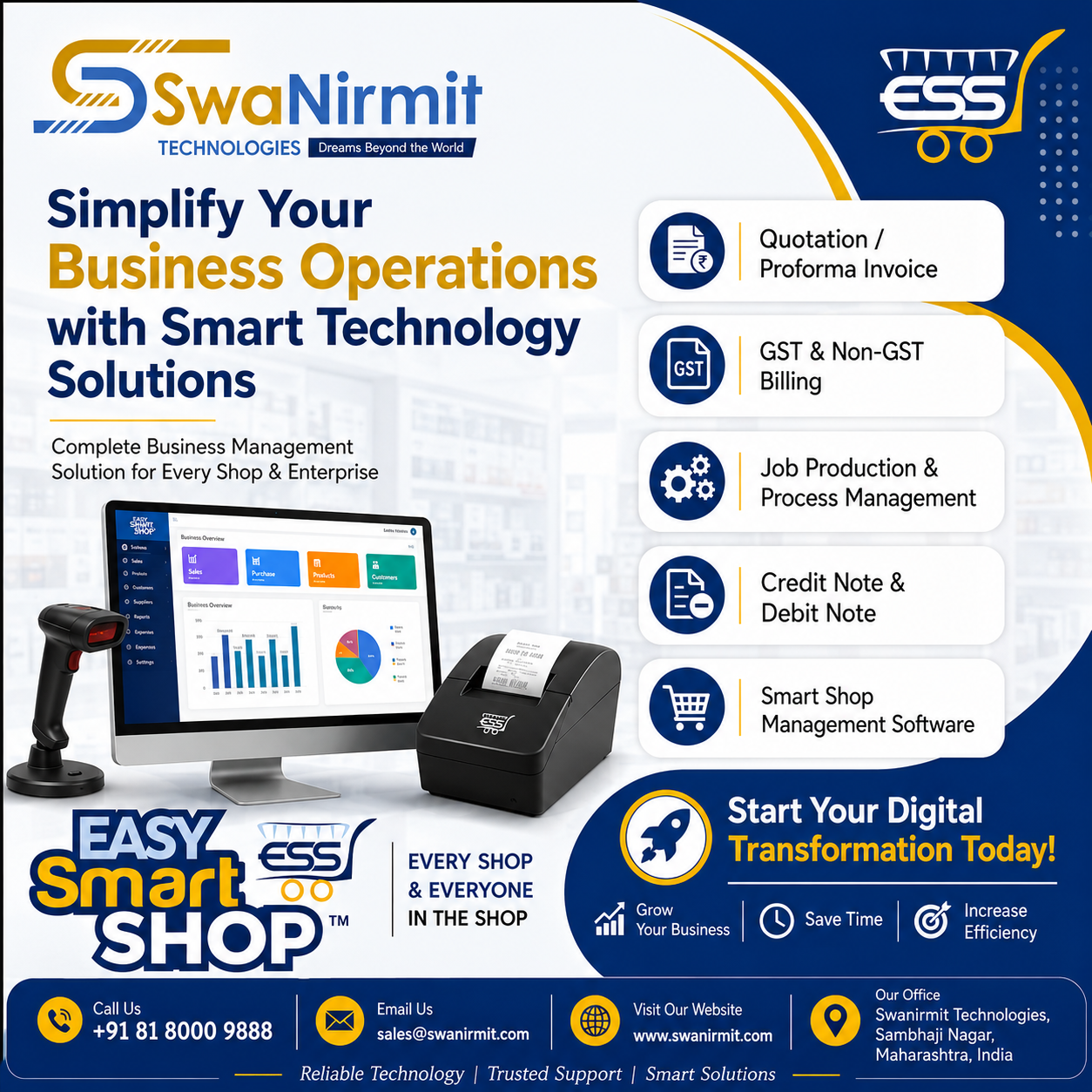
Easy Smart Shop Inventory Management Software is designed to eliminate these challenges by providing a complete inventory management solution. From product creation to barcode printing, stock monitoring, HSN management, price list control, inventory reports, and product identity tracking, everything is managed from a single dashboard.
The software provides real-time visibility into your inventory, helping businesses reduce errors, save time, improve stock accuracy, and make better purchasing decisions.
Why Inventory Management is Important?
Proper inventory management helps businesses:
- Maintain accurate stock records
- Prevent stock shortages
- Avoid excess inventory
- Improve cash flow
- Reduce inventory losses
- Speed up billing operations
- Improve customer satisfaction
- Generate accurate business reports
Easy Smart Shop automates all these processes, allowing business owners to focus on growing their business rather than managing manual stock records.
Powerful Features of Easy Smart Shop Inventory Management Software


1. Item Master – Centralized Product Management
The Item Master is the foundation of the inventory system. It stores complete information about every product in one place.
You can manage:
- Item Code
- Product Name
- HSN/SAC Code
- GST Ledger
- Product Category
- Product Group
- Unit of Measurement
- Purchase Price
- Selling Price
- MRP
- Purchase Discount
- Sales Discount
- Opening Stock
- Available Stock
- Minimum Stock Reminder
- CESS Tax
- Product Photos
- Documents
- Product Remarks
Benefits
- Easy product creation
- Better inventory organization
- Faster billing
- GST-ready inventory
- Centralized product database

2. Store Item Management
Manage Active, Inactive, and All Items from a single screen.
The software allows you to:
- Add New Products
- Edit Existing Products
- Delete Products
- View Product Transactions
- View Product Identities
- Manage Price Lists
- Export Item Lists to Excel
This ensures every product remains properly organized and easily searchable.

3. Real-Time Stock Overview
Easy Smart Shop provides a live overview of inventory.
Business owners can instantly view:
- Current Stock
- Available Quantity
- Low Stock Items
- Negative Stock
- Inventory Value
- Order Reminder Quantity
- Item-wise Stock
- Group-wise Stock
- Category-wise Stock
Products running below minimum stock are automatically highlighted, helping businesses reorder inventory before stock-outs occur.

4. Category & Group Wise Inventory
Organize thousands of products into categories and groups for faster management.
Examples:
Electronics
- Mobile
- Laptop
- Accessories
Hardware
- Paint
- Cement
- Electrical
- Plumbing
Benefits include better reporting, faster searching, and organized inventory management.

5. Price List Management
Different customers often require different pricing structures.
Easy Smart Shop allows businesses to maintain multiple price lists for:
- Retail Customers
- Wholesale Customers
- Dealers
- Distributors
- Corporate Clients
- Special Offers
This flexibility improves pricing accuracy and customer service.

6. Bulk Price Update
Updating product prices manually is time-consuming.
Easy Smart Shop allows bulk price updates using predefined price lists.
Users can review:
- Average Purchase Rate
- Selling Price
- Purchase Rate
- Discount
- Available Stock
- Last Updated Date
- Last Updated By
Thousands of products can be updated within minutes.

7. Barcode Generation & Printing
Generate professional barcode labels for products instantly.
Features include:
- Item-wise Barcode
- Date-wise Barcode
- Default Barcode Templates
- Barcode Label Printing
- Selling Price on Barcode
- Multiple Item Barcode Printing
- Lot-wise Barcode Printing
Professional barcode labels improve billing speed and inventory accuracy.

8. Barcode Template Management
Customize barcode labels using adjustable templates.
Supported options include:
- Label Height
- Label Width
- Margins
- Horizontal Gap
- Vertical Gap
- Printer Settings
This allows businesses to print barcode labels according to their preferred sticker sizes.

9. Product Identity Tracking
Track every individual product using:
- Barcode Number
- Serial Number
- IMEI Number
- Identity Number
- Product Code
Businesses can instantly view complete product history using identity tracking.
Ideal for:
- Mobile Shops
- Electronics Stores
- Medical Stores
- Manufacturing Companies

10. HSN & GST Management
Easy Smart Shop simplifies GST compliance by allowing businesses to manage:
- HSN Codes
- SAC Codes
- GST Rates
- Product Classification
- GST Ledger
- CESS Tax
Every product remains GST-ready, reducing tax filing errors.

11. Unit Management
Manage products in multiple measurement units including:
- Nos
- Kg
- Gram
- Liter
- Feet
- Set
- Meter
- Box
- Packet
Each unit can also be linked with GST Units for better tax compliance.
12. Complete Item Transaction History
Every purchase and sale transaction is stored automatically.
Users can check:
- Customer Name
- Invoice Number
- Invoice Date
- Quantity Sold
- Purchase History
- Selling Price
- GST Amount
- Discount
- Total Amount
This provides complete traceability for every product.
13. Inventory Reports
Generate powerful reports including:
- Stock Report
- Inventory Valuation
- Low Stock Report
- Negative Stock Report
- Category Report
- Group Report
- Product Transaction Report
- Barcode Report
- HSN Report
- Price List Report
All reports can be exported to Excel.
Industries Using Easy Smart Shop
- Retail Stores
- Wholesale Businesses
- Supermarkets
- Medical Stores
- Garment Shops
- Hardware Shops
- Mobile Shops
- Electronics Stores
- FMCG Distributors
- Manufacturing Industries
- Automobile Spare Parts
- Stationery Shops
- Cosmetic Stores
Why Choose Easy Smart Shop?
Easy Smart Shop combines inventory management, stock control, barcode generation, GST compliance, HSN management, product tracking, pricing, and reporting into a single integrated software.
Whether your business manages 100 products or 100,000 products, the software provides speed, accuracy, automation, and complete inventory visibility.
With an easy-to-use interface and powerful reporting tools, it helps businesses save time, reduce operational costs, and make smarter inventory decisions.
Frequently Asked Questions
Is Easy Smart Shop suitable for retail stores?
Yes. It is designed for retail, wholesale, supermarkets, medical stores, hardware shops, garment businesses, electronics stores, and manufacturers.
Can I print barcode labels?
Yes. The software includes barcode generation, customizable barcode templates, and professional label printing.
Does it support GST and HSN codes?
Yes. Easy Smart Shop supports HSN/SAC codes, GST rates, GST ledgers, and CESS tax management.
Can I manage multiple price lists?
Yes. You can create separate price lists for retail, wholesale, dealer, distributor, and corporate customers.
Can I export reports?
Yes. Inventory reports, stock reports, and price lists can be exported to Excel.
Conclusion
Inventory management plays a critical role in business success. Easy Smart Shop Inventory Management Software provides businesses with a comprehensive solution for managing products, stock, pricing, barcode labels, GST compliance, HSN codes, inventory reports, and transaction history.
By automating routine inventory tasks, businesses can reduce errors, improve productivity, maintain accurate stock records, and deliver better customer service.
If you are looking for a reliable, user-friendly, and feature-rich inventory management software, Easy Smart Shop is the right choice.
Get Your Free Demo Today
Take complete control of your inventory with Easy Smart Shop Inventory Management Software.
Why Choose Easy Smart Shop?
- ✅ Real-Time Stock Management
- ✅ Barcode Generation & Printing
- ✅ HSN & GST Ready
- ✅ Multiple Price Lists
- ✅ Bulk Price Updates
- ✅ Product Identity Tracking
- ✅ Smart Inventory Reports
- ✅ Low Stock Alerts
- ✅ Excel Export
- ✅ Fast & User-Friendly Interface
📞 Call: 8180009888
🌐 Website: www.easysmartshop.com
🎁 Request your FREE Demo today and experience smarter inventory management with Easy Smart Shop.