Complete Inventory Management Software for Retail & Wholesale


Complete Inventory Management Software for Every Business

Inventory is one of the most valuable assets of any business. Whether you own a retail shop, wholesale business, supermarket, medical store, hardware shop, garment showroom, electronics store, mobile shop, or manufacturing company, proper inventory management is essential for business growth and profitability.

Many businesses still rely on manual stock registers or Excel sheets, which often result in stock shortages, duplicate entries, incorrect pricing, billing mistakes, and inventory losses.

Easy Smart Shop Inventory Management Software is designed to eliminate these challenges by providing a complete inventory management solution. From product creation to barcode printing, stock monitoring, HSN management, price list control, inventory reports, and product identity tracking, everything is managed from a single dashboard.

The software provides real-time visibility into your inventory, helping businesses reduce errors, save time, improve stock accuracy, and make better purchasing decisions.


Why Inventory Management is Important?

Proper inventory management helps businesses:

  • Maintain accurate stock records
  • Prevent stock shortages
  • Avoid excess inventory
  • Improve cash flow
  • Reduce inventory losses
  • Speed up billing operations
  • Improve customer satisfaction
  • Generate accurate business reports

Easy Smart Shop automates all these processes, allowing business owners to focus on growing their business rather than managing manual stock records.


Powerful Features of Easy Smart Shop Inventory Management Software

1. Item Master – Centralized Product Management

The Item Master is the foundation of the inventory system. It stores complete information about every product in one place.

You can manage:

  • Item Code
  • Product Name
  • HSN/SAC Code
  • GST Ledger
  • Product Category
  • Product Group
  • Unit of Measurement
  • Purchase Price
  • Selling Price
  • MRP
  • Purchase Discount
  • Sales Discount
  • Opening Stock
  • Available Stock
  • Minimum Stock Reminder
  • CESS Tax
  • Product Photos
  • Documents
  • Product Remarks

Benefits

  • Easy product creation
  • Better inventory organization
  • Faster billing
  • GST-ready inventory
  • Centralized product database


2. Store Item Management

Manage Active, Inactive, and All Items from a single screen.

The software allows you to:

  • Add New Products
  • Edit Existing Products
  • Delete Products
  • View Product Transactions
  • View Product Identities
  • Manage Price Lists
  • Export Item Lists to Excel

This ensures every product remains properly organized and easily searchable.


3. Real-Time Stock Overview

Easy Smart Shop provides a live overview of inventory.

Business owners can instantly view:

  • Current Stock
  • Available Quantity
  • Low Stock Items
  • Negative Stock
  • Inventory Value
  • Order Reminder Quantity
  • Item-wise Stock
  • Group-wise Stock
  • Category-wise Stock

Products running below minimum stock are automatically highlighted, helping businesses reorder inventory before stock-outs occur.


4. Category & Group Wise Inventory

Organize thousands of products into categories and groups for faster management.

Examples:

Electronics

  • Mobile
  • Laptop
  • Accessories

Hardware

  • Paint
  • Cement
  • Electrical
  • Plumbing

Benefits include better reporting, faster searching, and organized inventory management.


5. Price List Management

Different customers often require different pricing structures.

Easy Smart Shop allows businesses to maintain multiple price lists for:

  • Retail Customers
  • Wholesale Customers
  • Dealers
  • Distributors
  • Corporate Clients
  • Special Offers

This flexibility improves pricing accuracy and customer service.


6. Bulk Price Update

Updating product prices manually is time-consuming.

Easy Smart Shop allows bulk price updates using predefined price lists.

Users can review:

  • Average Purchase Rate
  • Selling Price
  • Purchase Rate
  • Discount
  • Available Stock
  • Last Updated Date
  • Last Updated By

Thousands of products can be updated within minutes.


7. Barcode Generation & Printing

Generate professional barcode labels for products instantly.

Features include:

  • Item-wise Barcode
  • Date-wise Barcode
  • Default Barcode Templates
  • Barcode Label Printing
  • Selling Price on Barcode
  • Multiple Item Barcode Printing
  • Lot-wise Barcode Printing

Professional barcode labels improve billing speed and inventory accuracy.


8. Barcode Template Management

Customize barcode labels using adjustable templates.

Supported options include:

  • Label Height
  • Label Width
  • Margins
  • Horizontal Gap
  • Vertical Gap
  • Printer Settings

This allows businesses to print barcode labels according to their preferred sticker sizes.


9. Product Identity Tracking

Track every individual product using:

  • Barcode Number
  • Serial Number
  • IMEI Number
  • Identity Number
  • Product Code

Businesses can instantly view complete product history using identity tracking.

Ideal for:

  • Mobile Shops
  • Electronics Stores
  • Medical Stores
  • Manufacturing Companies

10. HSN & GST Management

Easy Smart Shop simplifies GST compliance by allowing businesses to manage:

  • HSN Codes
  • SAC Codes
  • GST Rates
  • Product Classification
  • GST Ledger
  • CESS Tax

Every product remains GST-ready, reducing tax filing errors.


11. Unit Management

Manage products in multiple measurement units including:

  • Nos
  • Kg
  • Gram
  • Liter
  • Feet
  • Set
  • Meter
  • Box
  • Packet

Each unit can also be linked with GST Units for better tax compliance.


12. Complete Item Transaction History

Every purchase and sale transaction is stored automatically.

Users can check:

  • Customer Name
  • Invoice Number
  • Invoice Date
  • Quantity Sold
  • Purchase History
  • Selling Price
  • GST Amount
  • Discount
  • Total Amount

This provides complete traceability for every product.


13. Inventory Reports

Generate powerful reports including:

  • Stock Report
  • Inventory Valuation
  • Low Stock Report
  • Negative Stock Report
  • Category Report
  • Group Report
  • Product Transaction Report
  • Barcode Report
  • HSN Report
  • Price List Report

All reports can be exported to Excel.


Industries Using Easy Smart Shop

  • Retail Stores
  • Wholesale Businesses
  • Supermarkets
  • Medical Stores
  • Garment Shops
  • Hardware Shops
  • Mobile Shops
  • Electronics Stores
  • FMCG Distributors
  • Manufacturing Industries
  • Automobile Spare Parts
  • Stationery Shops
  • Cosmetic Stores

Why Choose Easy Smart Shop?

Easy Smart Shop combines inventory management, stock control, barcode generation, GST compliance, HSN management, product tracking, pricing, and reporting into a single integrated software.

Whether your business manages 100 products or 100,000 products, the software provides speed, accuracy, automation, and complete inventory visibility.

With an easy-to-use interface and powerful reporting tools, it helps businesses save time, reduce operational costs, and make smarter inventory decisions.


Frequently Asked Questions

Is Easy Smart Shop suitable for retail stores?

Yes. It is designed for retail, wholesale, supermarkets, medical stores, hardware shops, garment businesses, electronics stores, and manufacturers.

Can I print barcode labels?

Yes. The software includes barcode generation, customizable barcode templates, and professional label printing.

Does it support GST and HSN codes?

Yes. Easy Smart Shop supports HSN/SAC codes, GST rates, GST ledgers, and CESS tax management.

Can I manage multiple price lists?

Yes. You can create separate price lists for retail, wholesale, dealer, distributor, and corporate customers.

Can I export reports?

Yes. Inventory reports, stock reports, and price lists can be exported to Excel.


Conclusion

Inventory management plays a critical role in business success. Easy Smart Shop Inventory Management Software provides businesses with a comprehensive solution for managing products, stock, pricing, barcode labels, GST compliance, HSN codes, inventory reports, and transaction history.

By automating routine inventory tasks, businesses can reduce errors, improve productivity, maintain accurate stock records, and deliver better customer service.

If you are looking for a reliable, user-friendly, and feature-rich inventory management software, Easy Smart Shop is the right choice.


Get Your Free Demo Today

Take complete control of your inventory with Easy Smart Shop Inventory Management Software.

Why Choose Easy Smart Shop?

  • ✅ Real-Time Stock Management
  • ✅ Barcode Generation & Printing
  • ✅ HSN & GST Ready
  • ✅ Multiple Price Lists
  • ✅ Bulk Price Updates
  • ✅ Product Identity Tracking
  • ✅ Smart Inventory Reports
  • ✅ Low Stock Alerts
  • ✅ Excel Export
  • ✅ Fast & User-Friendly Interface

📞 Call: 8180009888
🌐 Website: www.easysmartshop.com

🎁 Request your FREE Demo today and experience smarter inventory management with Easy Smart Shop.
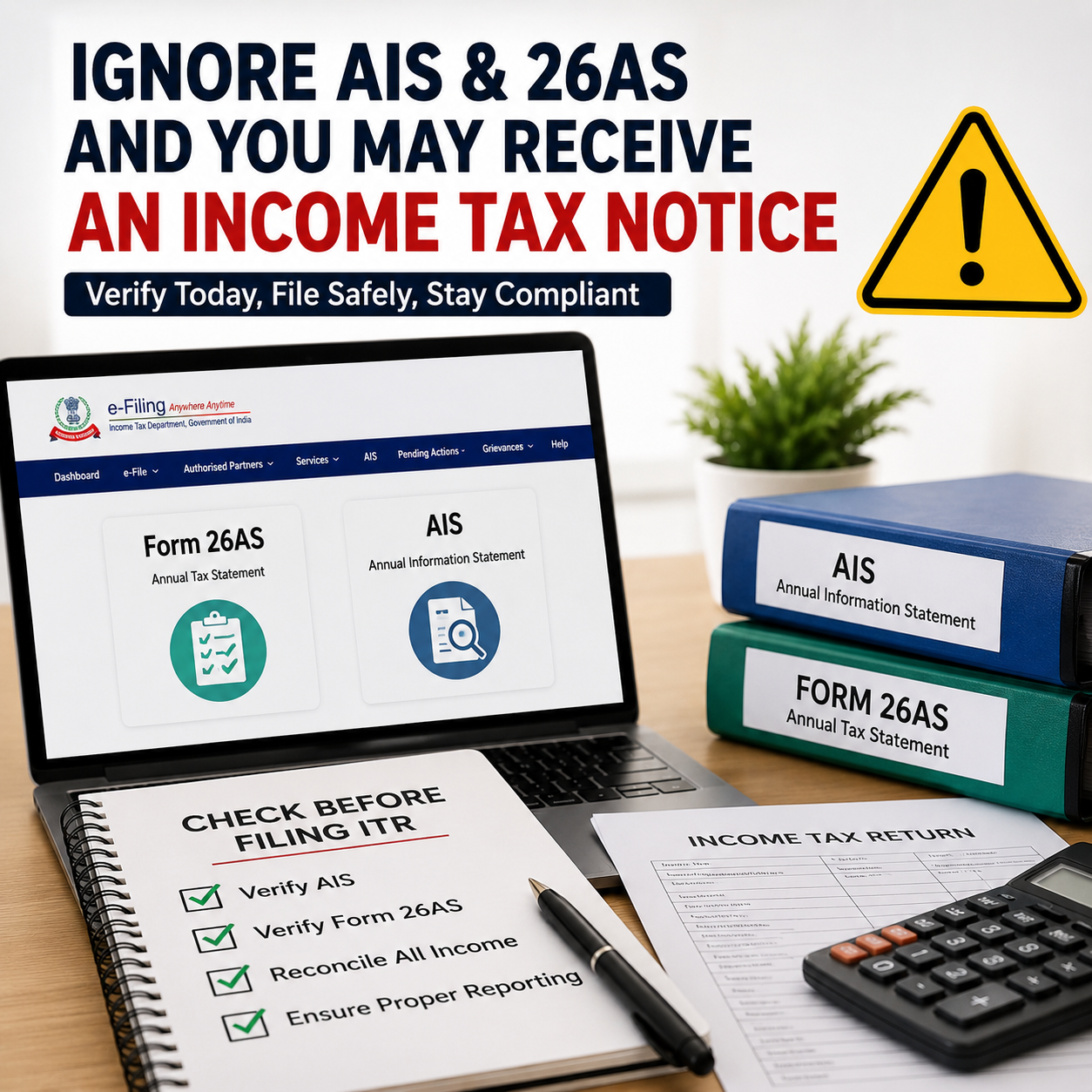
2 Mandatory Documents You Should Not Miss While Filing ITR in 2026

Ignoring these documents while filing your Income Tax Return can lead to mismatches, defective returns, refund delays, or even income tax notices. Today, the Income Tax Department receives financial data directly from employers, banks, mutual funds, stock brokers, property registrars, GST systems, and other reporting agencies.

Many taxpayers still assume that ITR filing only means entering salary figures and submitting the return. However, the tax system is now highly data-driven and automated. Even a small mismatch between your filed return and the information available with the department may trigger scrutiny or notices.

Why Verifying Form 26AS and AIS is Now Mandatory Before Filing ITR

With the Income Tax Department using advanced data analytics and automated verification systems, taxpayers can no longer afford to file returns without checking their reported financial data. Two documents have now become extremely important before filing any Income Tax Return for AY 2026–27:

  • Form 26AS
  • Annual Information Statement (AIS)

Ignoring these documents while filing your ITR may result in:

  • mismatch notices,
  • defective return notices,
  • refund delays,
  • scrutiny proceedings,
  • or even reassessment notices.

Therefore, every taxpayer should carefully reconcile both Form 26AS and AIS before submitting the return.

What is Form 26AS?

Form 26AS is a consolidated tax statement linked to your PAN. It contains tax-related information reported against your PAN during the financial year.

It generally includes:

  • TDS deducted by employer,
  • TDS on bank interest,
  • TCS collected,
  • advance tax paid,
  • self-assessment tax paid,
  • refund details,
  • and certain specified high-value transactions.

In simple terms, Form 26AS reflects the taxes already deposited with the government in your name.

If you claim TDS in your ITR that is not appearing in Form 26AS, your refund may get reduced or the department may issue a mismatch communication.

What is AIS (Annual Information Statement)?

AIS is now one of the most powerful information-reporting tools used by the Income Tax Department.

Compared to Form 26AS, AIS is far more detailed and comprehensive. It may contain information relating to:

  • salary income,
  • savings account interest,
  • fixed deposit interest,
  • dividend income,
  • stock market transactions,
  • mutual fund investments,
  • property purchase or sale,
  • foreign remittances,
  • GST turnover,
  • credit card payments,
  • and several other financial activities.

AIS collects data from multiple reporting entities and enables the department to compare your actual financial transactions with the income disclosed in your ITR.  This means that if your AIS reflects higher income or financial transactions than what you report in your return, the chances of receiving an income tax notice increase significantly.

Why Ignoring AIS and Form 26AS is Dangerous in 2026

Earlier, many taxpayers used to file their Income Tax Returns based only on Form 16 or basic bank statements. However, the Income Tax Department now relies heavily on advanced reporting and automated verification systems such as:

  • AIS (Annual Information Statement),
  • TIS (Taxpayer Information Summary),
  • Form 26AS,
  • SFT reporting,
  • PAN-based analytics,
  • and AI-driven data matching systems.

As a result, even small mismatches can now get automatically flagged by the department’s systems.

For example:

  • unreported bank interest,
  • ignored mutual fund redemptions,
  • missed dividend income,
  • or mismatch in stock trading turnover

may trigger notices at a later stage.

This is why blindly filing ITR without checking AIS and Form 26AS has become increasingly risky in 2026.


Common Mistakes Taxpayers Make

1. Ignoring Bank Interest

Many taxpayers forget to disclose:

  • savings account interest,
  • fixed deposit interest,
  • recurring deposit interest.

However, banks report this information directly to the department, and it generally appears in AIS.


2. Ignoring Share Market Transactions

Even if the profit amount is small, stock brokers report:

  • share sale transactions,
  • F&O turnover,
  • mutual fund redemptions.

If these transactions appear in AIS but are not properly disclosed in the ITR, taxpayers may later receive notices.


3. Claiming Incorrect TDS

Some taxpayers claim TDS based only on Form 16 without verifying whether the TDS actually appears in Form 26AS.

If TDS is missing in Form 26AS:

  • refund processing may get delayed,
  • or tax credit may be denied.

4. Filing ITR Before AIS Gets Fully Updated

Many taxpayers rush to file their ITR in May itself. However, AIS data may still be under updation by reporting entities during the early filing season.

As a result:

  • revised AIS entries may appear later,
  • creating mismatches with the already-filed return.

This is one of the major reasons tax professionals often advise taxpayers not to file returns too early without proper reconciliation.


Difference Between AIS and Form 26AS

Particulars Form 26AS AIS
TDS Details Yes Yes
Tax Payments Yes Yes
Bank Interest Limited Detailed
Share Transactions Limited Detailed
Mutual Fund Transactions Limited Yes
Property Transactions Limited Yes
Foreign Remittances No Yes
Financial Analytics No Extensive

What Happens if a Mismatch is Found?

If the department identifies mismatches between:

  • ITR filed,
  • AIS data,
  • and Form 26AS,

taxpayers may receive:

  • compliance notices,
  • defective return notices,
  • refund withholding,
  • reassessment notices,
  • or demand notices.

In several cases, these notices are generated automatically by the system without manual intervention.


How to Safely File ITR in 2026

Before filing your return, taxpayers should:

  • download and review AIS carefully,
  • verify Form 26AS,
  • match salary details with Form 16,
  • reconcile bank interest,
  • verify mutual fund and share transactions,
  • confirm all TDS entries,
  • and check high-value transactions properly.

If incorrect information appears in AIS, taxpayers can also submit feedback through the Income Tax portal.


Important Practical Advice

AIS is not always perfectly accurate. Sometimes:

  • duplicate entries,
  • incorrect reporting,
  • or wrong transaction classifications

may appear in the statement.

Therefore, taxpayers should not blindly copy AIS data into the ITR either. Proper reconciliation and verification remain extremely important.

At the same time, completely ignoring AIS and Form 26AS is one of the biggest mistakes taxpayers make during ITR filing.


Conclusion

In 2026, filing an Income Tax Return without checking Form 26AS and AIS can be highly risky because the Income Tax Department now uses advanced analytics, PAN-based reporting, and automated mismatch detection systems.

These two documents have effectively become the backbone of accurate and safe ITR filing.

Therefore, before submitting your Income Tax Return, every taxpayer should:

  • ✅ verify AIS carefully,
  • ✅ check Form 26AS properly,
  • ✅ reconcile all income and financial transactions,
  • ✅ confirm TDS and tax payment details,
  • ✅ and ensure accurate reporting in the ITR.

When Will the Income Tax Portal Open for ITR Filing 2026?

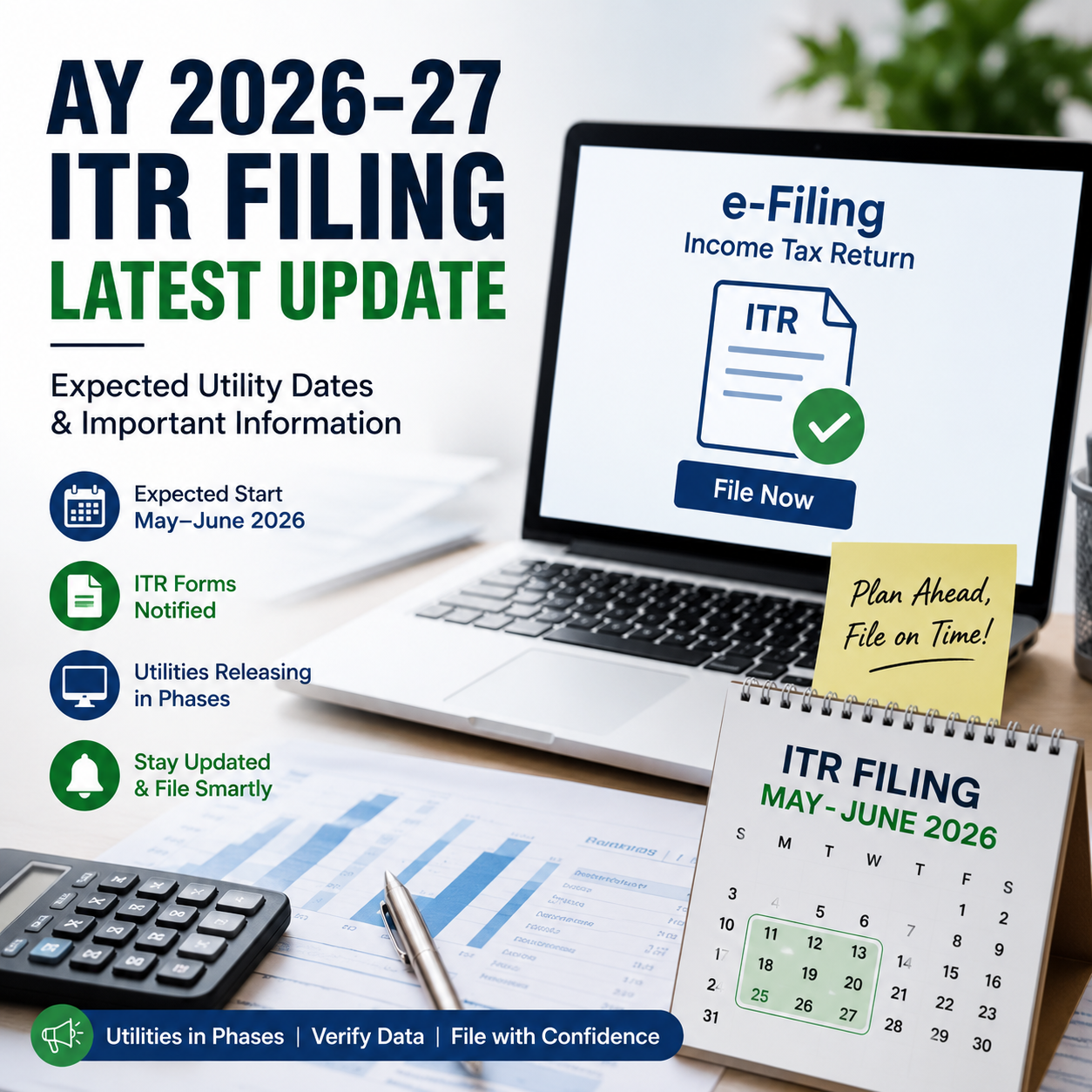
AY 2026-27 ITR Filing Latest Update: Expected Start Dates, Utility Release & Key Information

The biggest question among taxpayers right now is: “When will ITR filing start for AY 2026-27?” With the beginning of Financial Year 2025-26 and ongoing discussions around the new Income Tax framework, taxpayers are eagerly waiting for the Income Tax Department to activate the online filing utilities for Assessment Year 2026-27.

The positive news is that the Income Tax Department has already notified multiple ITR forms for AY 2026-27, which means the filing season has officially commenced from a legal standpoint. However, actual filing for most taxpayers will begin only after the online utilities and portal filing systems become fully operational.


Have ITR Forms for AY 2026-27 Been Notified?

Yes. The CBDT has already notified important ITR forms for AY 2026-27, including:

  • ITR-1
  • ITR-2
  • ITR-3
  • ITR-4

The newly notified forms also contain several important changes, such as:

  • Separate reporting of F&O and intraday trading income
  • Additional capital gain disclosures
  • Buyback loss reporting requirements
  • Enhanced foreign asset disclosures
  • Simplified eligibility conditions in certain forms

Although the forms are officially notified, taxpayers are still waiting for:

  • Online utility activation
  • JSON schema integration
  • Prefilled return updates
  • AIS/TIS synchronization
  • Stable portal functionality

Has ITR Filing Started on the Income Tax Portal?

Currently, the forms have been released, but filing utilities for all taxpayer categories are not completely live yet. Tax professionals and taxpayers are actively monitoring utility releases because practical filing starts only after:

  • Online utility activation
  • Offline utility release
  • Validation schema updates by the department

Many taxpayers expected filing to begin from 1 April 2026 itself, but utility rollout has been gradual.


Expected Dates for ITR Utility Activation – AY 2026-27

Based on previous years’ trends and the current pace of utility releases, the expected timeline may be:

ITR Form Expected Utility / Filing Activation
ITR-1 Mid May to Late May 2026
ITR-2 Late May to Early June 2026
ITR-3 June 2026
ITR-4 Mid May to Late May 2026

The Income Tax portal’s utility download section already reflects phased releases and updates for several forms, indicating that activation is underway.

In practice, salaried taxpayers usually prefer filing only after:

  • Form 16 issuance
  • AIS updates completion
  • Prefilled data stabilization

Therefore, even if utilities become available in May 2026, many taxpayers may choose to file from June onwards for smoother processing.


Why Is There Delay in ITR Utility Activation?

Several reasons are contributing to the delayed rollout of utilities this year:

✔️ Changes in ITR Forms

The introduction of additional disclosure requirements has increased validation complexity.

✔️ Transition Towards New Tax Framework

AY 2026-27 represents a transitional phase with multiple structural compliance changes under the revised tax framework.

✔️ AIS / TIS Integration

The department now heavily relies on integrated reporting systems such as:

  • AIS
  • TIS
  • Form 26AS
  • SFT reporting
  • Broker transaction data
  • GST-linked analytics

As a result, utility validation and synchronization take more time.

✔️ Enhanced Reporting Requirements

Taxpayers having:

  • Capital gains
  • F&O income
  • Foreign assets
  • High-value transactions

may face additional disclosure and verification requirements this year.


Should Taxpayers File ITR Immediately After Utilities Go Live?

Not necessarily.

Experts generally recommend waiting until:

  • AIS/TIS data is fully updated
  • Form 16 is issued
  • Form 26AS is reconciled
  • Utilities become stable

During the initial days after utility release, taxpayers often face:

  • Validation errors
  • Portal glitches
  • JSON/schema mismatches

Therefore, unless an urgent refund claim is involved, filing after the utilities stabilize is generally considered safer.


Important Due Dates for AY 2026-27

Taxpayer Category Due Date
ITR-1 & ITR-2 (Non-audit cases) 31 July 2026
ITR-3 & ITR-4 (Non-audit cases) 31 August 2026
Audit Cases 31 October 2026
Transfer Pricing Cases 30 November 2026

Important Guidance for Taxpayers Before Filing ITR for AY 2026-27

Before submitting the Income Tax Return for AY 2026-27, taxpayers should carefully:

  • verify AIS and Form 26AS details,
  • check whether all TDS credits are correctly reflected,
  • reconcile capital gain statements,
  • confirm reporting of bank interest income, and
  • thoroughly review prefilled information available on the portal.

Filing the return hastily without proper verification may lead to issues such as:

  • defective return notices,
  • delay in processing of refunds,
  • income mismatch notices, or
  • future reassessment proceedings.

ITR filing utilities for AY 2026-27 are expected to become fully operational gradually during May and June 2026 as the Income Tax Department releases utilities in phases. Although the ITR forms have already been officially notified, taxpayers are still waiting for stable online utilities and complete portal activation across all return categories.

For salaried individuals, large-scale filing activity is expected to pick up mainly after:

  • issuance of Form 16,
  • completion of AIS updates, and
  • stabilization of filing utilities.
ITR Filing Exemption for Senior Citizens in 2026

In 2026, certain senior citizens may be exempt from filing an Income Tax Return (ITR), but only if specific conditions are satisfied. Under the applicable provisions, a resident individual aged 75 years or above may not be required to file an ITR if their income is limited and falls within a prescribed scope. This relaxation aims to ease the compliance burden for elderly taxpayers who have straightforward sources of income.

To avail this exemption, the senior citizen’s income must be restricted to pension and interest income. Importantly, the interest should be earned from the same bank where the pension is received. In such cases, the bank assumes responsibility for computing the individual’s total income. It takes into account eligible deductions and rebate, determines the final tax liability, and deducts the appropriate amount of TDS. The senior citizen is required to submit a prescribed declaration to the bank, after which the entire tax compliance is managed at the bank level, eliminating the need to file an ITR separately.

However, this exemption is not universally applicable and must be evaluated carefully. If the individual has any additional income—such as rental income, capital gains, business or professional income, or dividend income—the benefit will not be available, and filing of an ITR becomes mandatory. Likewise, if interest income is earned from multiple banks or the required declaration is not properly submitted, the exemption cannot be claimed.

Explore More

  • Capital Gains Calculator
  • Tax Advisory Services
  • Senior Citizen Taxation

It is important to note that this benefit is strictly limited to individuals who are 75 years of age or older. Senior citizens between 60 and 74 years do not qualify for this exemption and must file their Income Tax Return if their income exceeds the basic exemption limit or if any other filing criteria are applicable.

From a practical standpoint, even when a person is eligible for this exemption, filing an ITR may still be advantageous in certain situations. For instance, if excess TDS has been deducted and a refund needs to be claimed, or when an ITR is required as proof of income for purposes such as loan applications, visa processing, or financial documentation, voluntarily filing the return can be beneficial.

In summary, while the ITR filing exemption offers meaningful relief to eligible senior citizens, it is available only under specific and well-defined conditions. Hence, it is crucial to carefully assess income sources and eligibility requirements before choosing not to file an ITR, in order to avoid any future compliance concerns.